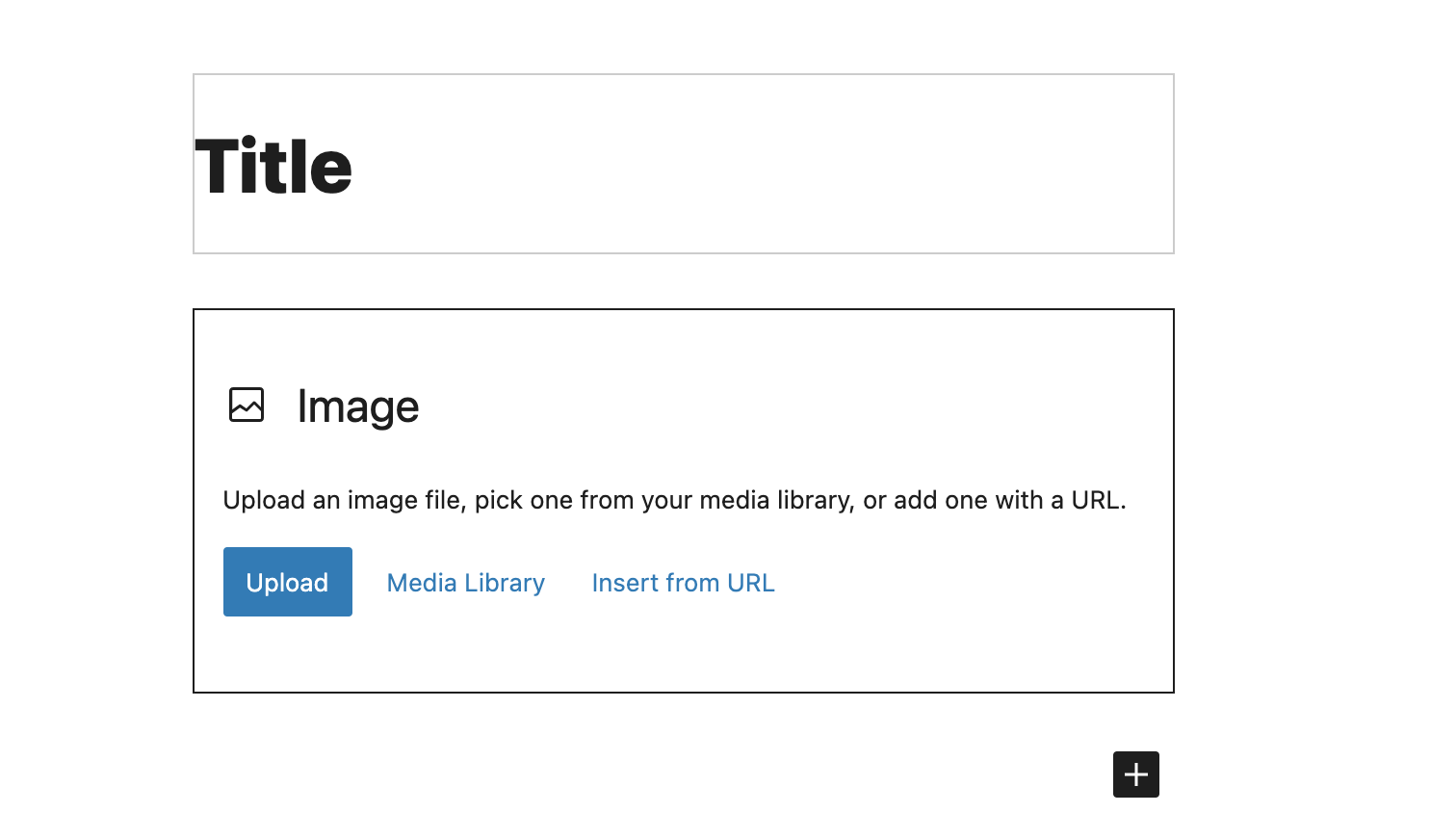
Images increase the visual appeal of posts and pages. Social media properties can also display those images when a post is shared on their networks. This document explains how to insert an image to a post or page.
Before you start
- You'll need a user account on the blog. If you are editing a page, you must be an Editor.
- If you have not previously uploaded the image to the Media Library, you'll need the image file saved to your hard drive in a JPEG or PNG format.
Steps
- Open a post or page to edit.
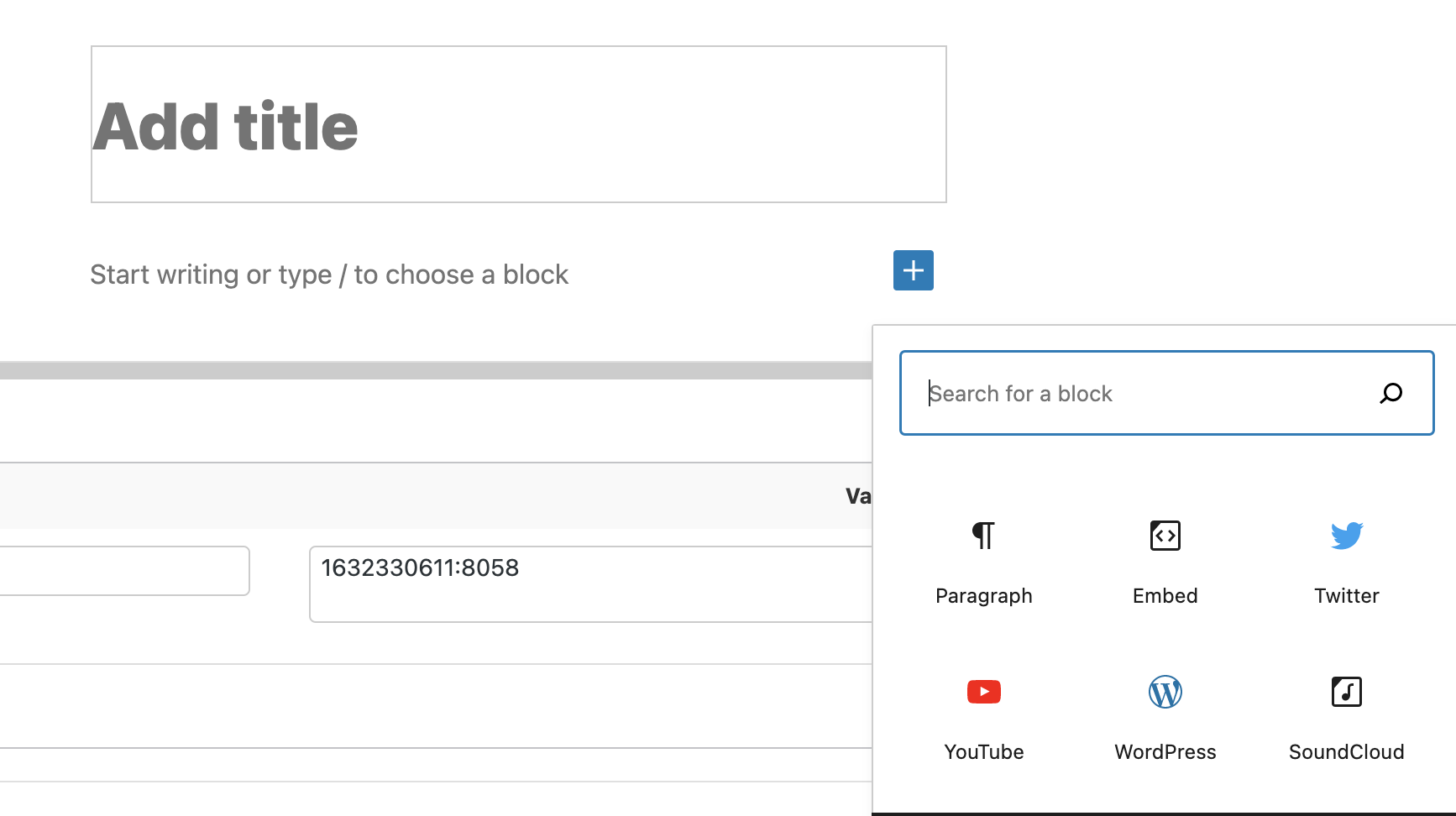
- Click the (+) sign while editing and type "image" into the search bar to find the Image block.
- Choose to Upload Image from your computer, from the existing Media Library, or from a URL.